Security

Testing Your SSO Before Agents Depend on It

Antonio Evans8 min read

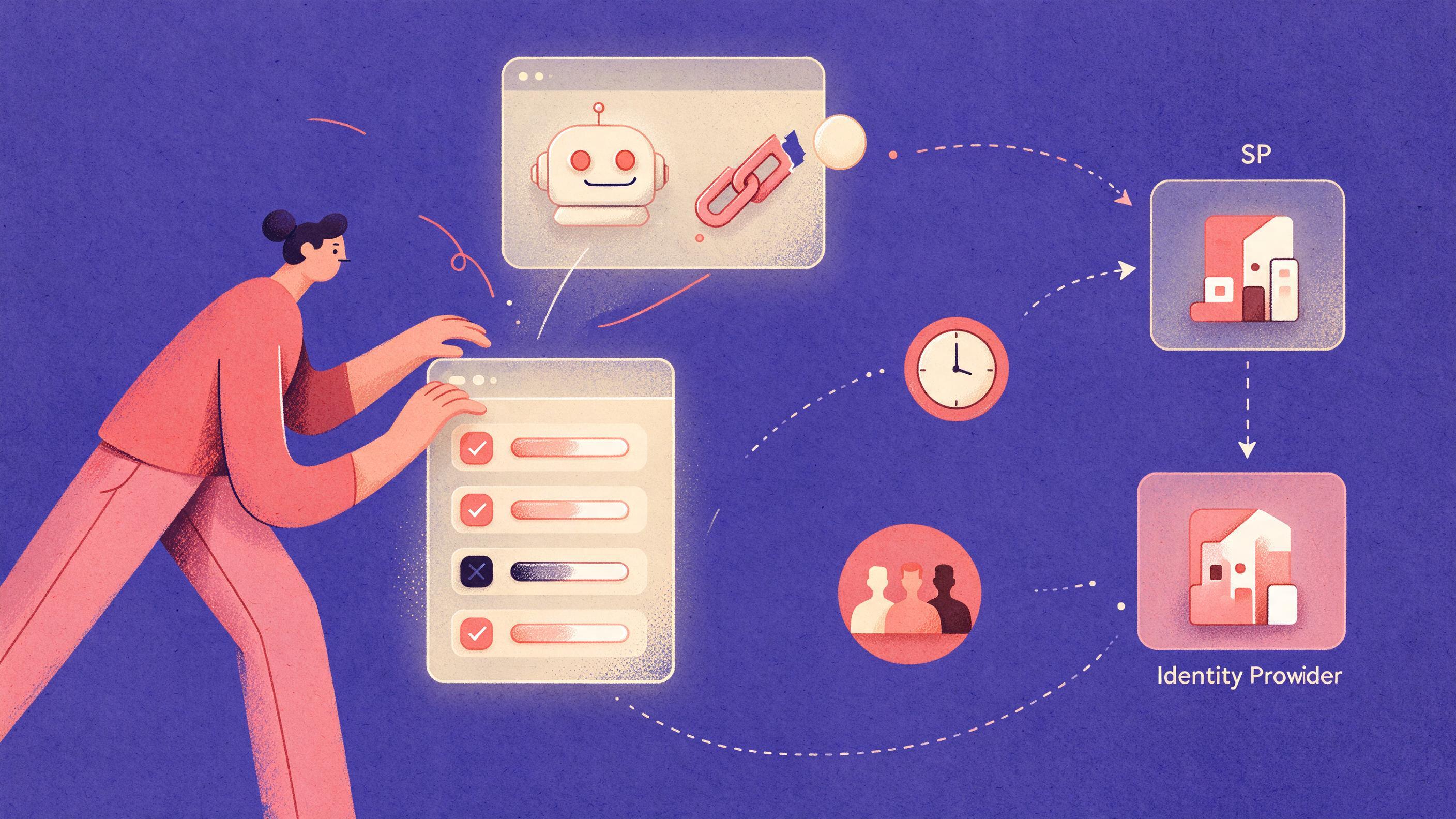
A developer runs a CLI tool that prints four SSO test results with pass or fail icons, while an AI agent icon shows a broken link to a token, all over a simple SP to IdP network diagram with a clock and a group icon.
Key points

Key points

  1. 1Agents can start authentication from either the service provider or the identity provider, so both flows must work before you trust either.
  2. 2Clock skew breaks SSO silently: a small time difference rejects otherwise valid assertions with vague errors.
  3. 3Large group claims get truncated or dropped, which quietly narrows or widens an agent's access without anyone noticing.
  4. 4Removing a user or group mid-session rarely cuts access immediately, because issued tokens live until expiry.

Why agent SSO needs a pre-flight suite

An agent is a non-human identity with its own credentials, and it cannot notice that a login felt wrong. If a token arrives with the wrong group set, the agent simply proceeds. The Cloud Security Alliance reports that non-human identities outnumber human ones by more than 90 to 1 in many organizations, and that 78 percent of respondents had no documented policy for creating or removing AI agent identities (CSA Agent Identity Governance Framework). Every one of those identities crosses your SSO boundary at least once.

Four checks cover most of the failure surface: the direction of the authentication flow, tolerance for clock difference, size of group claims, and removal of access while a session is live. Each is cheap to run and each fails in a way the agent cannot see.

One scoping note. Passkeys built on FIDO2 use origin-bound public key cryptography, which resists phishing and replay (Microsoft Entra passkeys, FIDO Alliance). Those checks test how the human proved identity. The four below test what the IdP asserts and how your application consumes it.

Check 1: service-provider versus identity-provider initiated flows

In an SP-initiated flow the application receives an unauthenticated request, builds a SAML AuthnRequest or OIDC authorization request, redirects to the IdP, and validates the response against the request it issued. In an IdP-initiated flow the identity provider builds the assertion first and posts it to the service provider with no prior request (Scalekit, miniOrange).

The difference is correlation. SP-initiated flows carry a request identifier and a RelayState value the IdP must echo back unmodified, which gives replay protection and tight session control (Scalekit). IdP-initiated assertions have no request to match, so they must be trusted on signature and audience alone (Logto).

Agents hit both paths. A launch from a central console is IdP-initiated. A launch from a workflow is SP-initiated. Teams that test only the browser path find the gap in production.

How to run it:

  1. Sign in through the application's login endpoint, not the IdP portal, and confirm an AuthnRequest was generated and matched.
  2. Alter the RelayState or request identifier in flight and confirm the application rejects the response.
  3. Start from the IdP application tile and confirm the assertion lands at the right consumer service endpoint.
  4. Post an assertion with the wrong audience or no signature and confirm rejection.
SymptomLikely causeImpact on agents
Portal tile works, app login loopsRequest signature or binding mismatchAgent that self-initiates cannot get in
App login works, portal tile blankConsumer endpoint rejects unsolicited responsesAgent dashboards fail silently
Altered RelayState acceptedCorrelation not validatedReplay and redirect tampering pass
Wrong audience acceptedAudience restriction not enforcedCross-app token reuse

Decision rule: if an agent re-authenticates on its own, after a refresh failure at 3 a.m. for example, SP-initiated must work and must be validated. IdP-initiated support is a convenience for human-launched agents only.

Toolkits such as the SAML libraries behind passport-saml handle request generation and validation and log the exact correlation failure (Scalekit). A SAML tracer extension shows the raw assertion.

Check 2: clock skew tolerance

SAML assertions carry a Conditions element with NotBefore and NotOnOrAfter timestamps, and the service provider validates them against its own clock. A difference of seconds can reject a valid assertion with messages like "assertion expired" or "assertion not yet valid" (cloud-iam). Causes include NTP misconfiguration, virtual machine drift after suspend and resume, and servers syncing to different NTP pools (same guide).

Worked example. An IdP issues an assertion valid from 10:00:00 to 10:05:00. A service provider running six minutes fast reads 10:06:00 on arrival and rejects it as expired. One running two minutes slow reads 09:58:00 and rejects it as not yet valid. Add two minutes of allowed skew and the effective window becomes 09:58:00 to 10:07:00, and both failures disappear (cloud-iam).

The tradeoff: a longer assertion lifespan gives tolerance but widens the replay window, and lifespans of 30 to 60 seconds are far more vulnerable to skew than a typical 5 minute window (cloud-iam).

How to run it:

  1. Record the measured offset between the two hosts.
  2. Move the application host clock five minutes forward. Assertions inside the window should pass if tolerance is configured.
  3. Move it five minutes back. Assertions arriving before NotBefore minus tolerance should be rejected.
  4. Write down the exact offset where acceptance becomes rejection. That is your operational margin; under 60 seconds, one NTP hiccup breaks agent workflows.
  5. Leave the IdP clock alone so you isolate which side is tolerant.

The worst failure is not rejection. It is a service provider that skips timestamp validation and accepts expired assertions, turning skew into a replay surface. The second worst is zero tolerance with no alerting, where failures surface as support tickets.

A mock layer that rewrites timestamps in a captured assertion is enough, plus NTP monitoring on both sides. Container clocks follow the host, so a drifting hypervisor drifts every container with it (cloud-iam).

Check 3: group claim size limits

Agents usually take authorization from group membership in the token. That is convenient and fragile. Directory attributes map into SAML attributes or OIDC claims, and the channel has practical limits: HTTP headers, URL length on redirect bindings, and the IdP's release rules.

When a user belongs to many groups, one of three things happens. The claim truncates at a fixed count, the claim moves to a separate endpoint the application must call, or the IdP refuses to release it. None produce a clean error at the agent. A truncated list leaves the agent under-permissioned, which looks like an agent bug. If the IdP fails open on over-limit claims, the agent gets broader scope than intended. Both directions log as a normal login.

How to run it. Create a test user and add groups incrementally, capturing the token each time.

for n in 50 100 150 200 300 400; do
  assign_user_to_groups "$TEST_USER" "$n"
  token=$(request_token "$TEST_USER")
  groups=$(decode_claim "$token" "groups" | count_items)
  echo "assigned=$n claimed=$groups"
done

The step where claimed stops matching assigned is your limit. Test at least one value well above it, such as 200 groups, where enterprise directory sprawl tends to land. Repeat with realistic long distinguished names, since those consume more space than short ones. Run the sweep against both a SAML attribute and an OIDC claim; they often differ. Then confirm what your application does on truncation: deny, call the directory, or grant partial access. That behavior, not the limit, is what agents live with.

Decision rule: if agents depend on group claims for authorization, do not put authorization in the claim. Use the claim to identify the agent or delegating user, then resolve permissions server-side against a directory lookup or policy service. That also gives you a revocation point that does not wait for expiry.

Non-human identity guidance agrees: record each agent's credential type, owner, purpose, connected systems, permission scope, and deprovisioning criteria, and reduce blast radius with least privilege and short-lived access (Sweet Security).

A JWT decoder and assertion viewer cover inspection. Most IdPs expose group claim configuration and an overage behavior setting under a name specific to that product. A policy engine that resolves per request rather than trusting the token is the durable fix.

Check 4: removal mid-session

This is the check teams skip and the one that matters for long-running agents. Deleting a user or removing a group changes future authentications. It does not change tokens already issued.

Microsoft documents the mechanics: access tokens issued by Entra ID last one hour by default, and the app silently reauthenticates with the refresh token when the access token expires. Browser sessions are worse, because an application issues its own session cookie, the IdP cannot directly revoke a session token issued by an application, and an app might never return to the IdP while its session is valid (Microsoft).

An hour of stale access is a known risk for a human. For an agent making hundreds of calls a minute it is a large automated blast radius. The Cloud Security Alliance cites research finding nearly 50 percent of organizations had experienced non-human identity compromises, with successful attacks in 66 percent of those cases (CSA).

How to run it:

  1. Establish a live agent session and confirm it reaches a protected resource.
  2. Remove the user from the authorizing group.
  3. Poll the resource every five seconds and timestamp the first denial.
  4. Record the gap between removal and denial. Minutes rather than seconds is a window an attacker can use.
  5. Repeat with the account disabled rather than the group removed; the two paths differ.
  6. Repeat with a client credential if the agent authenticates without a delegated user.

A systematic review of revocation recommends a security epoch: bind every session, refresh family, and grant to a monotonic value on the account, accept a credential only if its epoch matches the current one, and fail closed at sensitive endpoints when current state cannot be fetched (OneUptime). Applied to agents:

accept(credential) only if:
  credential.agent_id == requested_agent
  credential.security_epoch == agent.security_epoch
  credential is active and not expired
  policy_check(credential.agent_id, resource) == allow

Continuous access evaluation is the mainstream answer inside Microsoft's ecosystem, aimed at invalidating access tokens near real time (Microsoft). SCIM handles lifecycle, creating, updating, and deprovisioning identities across connected systems in one operation so dormant agents do not stay active indefinitely (LoginRadius). Pair either with an epoch check in your own layer, because the IdP cannot revoke a session your application issued.

Putting the checks in a harness

Run the four checks in any order, but run them on every IdP change rather than once at integration.

CheckPass criteriaWhere
Flow directionBoth flows succeed; altered RelayState and wrong audience rejectedStaging with production IdP config
Clock skewBoundary offsets recorded; tolerance at least two minutes each sideHost with adjustable clock
Group claim sizeBreak point recorded above real group counts; no silent truncationTest tenant, high-group user
Mid-session removalDenial within one request cycle, or documented lag plus epoch checkStaging, live agent session

Store captured assertions and tokens as fixtures so the harness runs without a live IdP, and wire it into the deployment pipeline, because IdP configuration drifts like code.

If agents cross more than one provider, or you are building the agent platform alongside the integration, a short architecture conversation saves debugging time. Quanta Consulting offers a free 30-minute discovery call to scope it (https://quantaintelligence.ai/calendar).

Common misunderstandings

"We tested login and it worked." That exercised the human path. The agent path exercises refresh, correlation, claim size, and revocation timing, which fail differently.

"Token expiry is our revocation mechanism." It is a backstop. An hour of default access token life is long for an automated caller (Microsoft).

"Group claims are simpler than a policy service." Only until a user joins the wrong number of groups. Server-side authorization survives truncation, renaming, and reorganization.

"Passkeys solve this." They raise the cost of impersonating a human. They do not change what the IdP asserts about groups, token lifetime, or timestamp validation. NIST's authentication guidance, including its treatment of authenticator binding and revocation events, covers the lifecycle side (NIST SP 800-63B-4, NIST authenticator event management), not your claim mapping.

FAQ

FAQ

How long should the suite take?

For one identity provider and one agent application, the four checks fit in an afternoon once a test tenant and high-group test user exist. The group claim sweep and the removal poll take most of that time because both require repeated provisioning.

Do I need to test both SAML and OIDC?

Test every protocol your agents use, and note the two can differ within one IdP. SP-initiated correlation and RelayState are SAML-specific; OIDC uses a state parameter for the same purpose. Clock validation exists in both, and group claim limits commonly differ between a SAML attribute and an OIDC claim.

Is a group claim limit a bug I should report?

Usually not. It is a configured limit, sometimes with an overage behavior that moves groups to a separate endpoint. The finding worth reporting is what your application does when it hits the limit. Silent truncation with no alert is the defect.

How do I test revocation for a client credential?

Disable the credential or rotate its secret, then poll the protected resource and timestamp the first denial. If calls keep succeeding, your authorization layer is caching the decision or the resource is not checking revocation. Both are fixable once measured.

What if an agent needs access cut immediately?

Do not ask the identity provider, which is bound by token lifetime. Build an epoch check or policy lookup in your own authorization path so removal propagates on the next request, and let the IdP handle authentication only.

Sources

Sources

  1. Agent Identity Governance Framework, Lab Space
  2. Authentication methods in Microsoft Entra ID - passkeys (FIDO2)
  3. FIDO Passkeys: Passwordless Authentication
  4. IdP vs SP iniated SSO workflows: How they differ
  5. SP-Initiated SSO vs. IdP-Initiated SSO: Key Differences
  6. IdP-initiated SSO vs SP-initiated SSO
  7. SAML Clock Skew in Keycloak
  8. Understanding Non-Human Identity for AI Agents
  9. Revoke user access in an emergency in Microsoft Entra ID
  10. Revoking Sessions and Trusted Devices After MFA Recovery
  11. Using SCIM to Provision and Govern AI Agents
  12. NIST.SP.800-63B-4.pdf
  13. Authenticator Event Management
About the author

About the author

Antonio Evans
Antonio Evans

Antonio Evans is the founder of Quanta Intelligence and a fractional CTO who builds HIPAA-ready AI systems for health and life-science companies. Before that he was technical co-founder of FriendsEAT for twenty years, CEO of Socialdraft, and a data engineer at IBM. Antonio lives with his dog Santino in Lisbon, Portugal.

All articles