Business

Checklists Staff Can Use Before Trusting an AI Answer

Antonio Evans8 min read

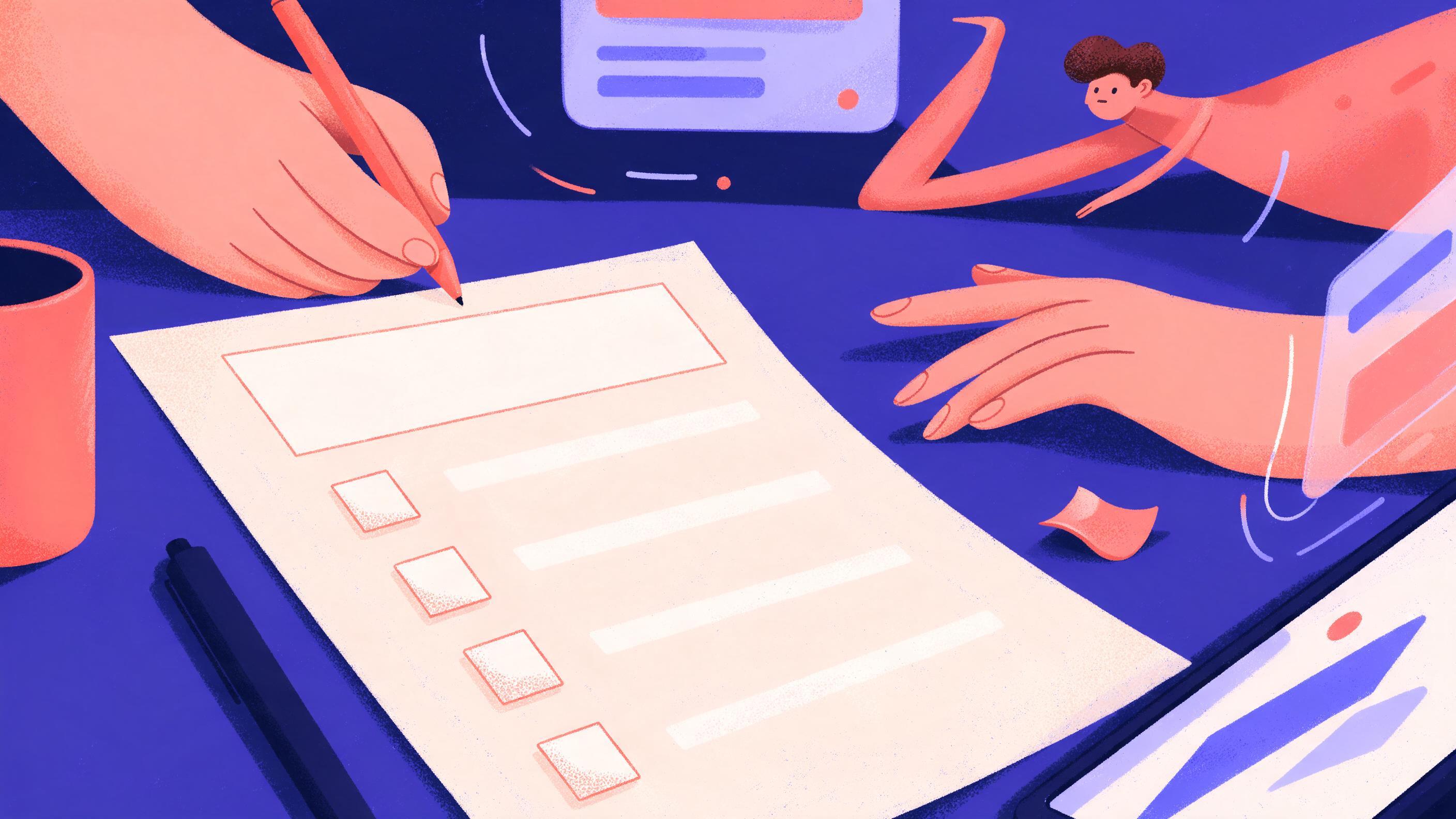
A desk with a printed checklist titled 'Before You Trust That AI Answer' and five checkboxes.
Key points

Key points

  1. 1Verify any fact, number or citation against an independent source before you send, file or act on an AI answer.
  2. 2State plainly when AI helped produce a document, and link or attach the evidence you checked it against.
  3. 3Escalate to a colleague when the decision is hard to reverse, touches people or money, or the answer feels oddly confident.
  4. 4Keep the checklist short and role specific so it gets used at the desk, not filed away in a policy binder.

The one-page checklist

Most AI guidance fails for a boring reason: it lives in a policy document nobody opens at the moment of use. The fix is a single page that fits next to your keyboard, ordered as the decision happens. You read an AI answer, and before you send it, file it or act on it, you walk down five gates.

GateQuestion to askPass conditionIf it fails
1. ScopeDoes the answer actually address my specific situation?Yes, with my constraints namedRe-prompt with context or discard
2. FactsIs every checkable claim true?At least the load-bearing claims verifiedRework or drop the claim
3. NumbersDo all figures and units add up?Recalculated from a trusted sourceReplace with your own figures
4. SourcesDo the citations exist and say what is claimed?Each link opened and readRemove or replace the citation
5. StakesWould a wrong answer cause real harm?Low stakes, or a colleague has reviewedEscalate before acting

The order matters. Scope first, because a perfectly accurate answer to the wrong question is still wrong. Sources before stakes, because checking citations is the step people skip when they are busy. The whole pass takes two to ten minutes on a typical document and saves far more when something is wrong.

The reason to institutionalize this is well documented. Guidance on workplace AI literacy stresses that employees need to be able to critically evaluate outputs and recognize misinformation rather than accept fluent text at face value (Coursera's AI literacy course). A checklist is the cheapest way to make that evaluation a habit.

What to verify: facts, numbers and context

Start by fractionating the answer. That is the practice of breaking a response into individual, searchable claims so each can be checked separately, and it is the first step in the fact-checking method taught by the University of Maryland's lateral reading guide. You cannot verify a paragraph; you can verify five sentences.

Facts. For each load-bearing claim, ask who would be in a position to know and go to that source. For a policy, that is your internal handbook. For a statistic, it is the original report. For a quotation, it is a recording or an archived document, not a social post repeating it. The VCU Libraries guide makes the same point: trace claims back to a source that would plausibly know, and treat AI output as a lead, not an authority.

Numbers. Recalculate. A worked example: you ask an AI to summarize a quarterly supplier report and it returns "average lead time fell from 32 to 26 days, a 23 percent improvement." Run the arithmetic: (32 − 26) / 32 = 18.75 percent, not 23. The direction is right, the magnitude is overstated by about a fifth. If that number goes into a board slide or a customer email, you have published an error. The habit that catches it is dull: put every percentage into a calculator before it leaves your desk. Check units too. Days versus working days, gross versus net, thousands versus millions.

Context. An AI answer can be accurate in general and wrong for you. A course draft that says "change your password every 30 days" may reflect outdated advice that conflicts with your IT team's current policy, which is exactly the example Articulate's content checklist uses to show how plausible text can be incomplete. Ask three questions: Does this match our internal process? Does it reflect the current version of a policy or rule? Would someone in my role here do it this way? If any answer is no, the AI answer needs adjustment, not adoption.

One more check belongs here: missing context. AI drafts tend toward generic advice ("improve communication") and can quietly omit limitations, as Veletsianos notes on AI-generated research summaries, where summaries turned "may suggest" into "proves" and dropped scope. Circle any sentence that sounds like a sweeping claim and either narrow it or remove it.

What to cite: documenting AI's role and your evidence

Two separate things need documenting: that AI helped, and what you checked.

Declare the AI's role. A short, standard line is enough. For internal documents: "Draft produced with AI assistance and reviewed by [name]; figures verified against the supplier report dated [date]." For research or public summaries, the verification checklist proposed for AI-generated summaries suggests a disclosure noting the tool, the date and the reviewer, followed by the specific items verified. Steal that structure. It makes the review visible instead of implied.

Attach your evidence. For each key fact, keep the link or document you used to check it, not the one the AI offered. Your evidence trail should stand on its own if the AI tool is unavailable tomorrow.

Check every citation, even good-looking ones. AI models can produce convincing fake references and present outdated material confidently, which is why Articulate's fact-check step tells reviewers to look up each reference to confirm it exists and is legitimate. A quick test you can run in under a minute:

  1. Open the link. If it does not resolve, the citation fails. Stop.
  2. Read the surrounding text and find the specific claim the AI attributed to it.
  3. Confirm the source supports the claim at the same strength. "May be associated with" is not "causes."
  4. Check the source is current for the claim. A rule that changed does not support a present-tense statement.

If a citation passes all four, keep it and add the date you checked. If it fails any of them, remove it. A document with fewer citations and no fake ones is stronger than one padded with impressive-looking references.

Many organizations also require human review of AI-assisted work before distribution, with clear answers on who reviews and what must be independently verified (CTR's workplace AI policy checklist). Knowing your organization's answer to "who reviews this?" is part of citing properly.

When to ask a colleague

Not every answer needs a second pair of eyes. Escalate when any of these is true:

TriggerWhy it mattersExample
The decision is hard to reverseCorrections become expensive or publicA contract clause, a customer-facing statement
It affects money, people or safetyErrors carry legal or human costPay, benefits, medical, hiring, pricing
The answer is unusually confident or completeFluency can mask gapsA tidy answer with no caveats to a messy question
You cannot find an independent sourceVerification has stalledA niche factual claim with no corroboration
It conflicts with an internal rule or expertYour context outranks the modelGuidance that contradicts IT, legal or HR policy

Two of those triggers deserve emphasis. First, confidence is not evidence. AI output is often fluent and well organized regardless of whether it is right, and reviewers are warned to double-check output precisely because it can sound convincing while being off base (Articulate). Second, when a claim touches a regulated area, the escalation path is not optional. Broad AI compliance training emphasizes risk, ethics and data protection alongside practical use, so employees know when to stop and ask (NAVEX's AI at Work course).

A useful rule of thumb: if you would be uncomfortable defending the answer to your manager line by line with your evidence attached, it is an escalation, not a send.

Worked examples of catching a wrong answer

Example 1: the summary that overstates. An analyst asks an AI to summarize a research report for an internal newsletter. The draft says the study "proves" a training program raised productivity. The analyst opens the original and finds the authors wrote that results "suggest an association" and list small sample size as a limitation. Gate 2 and the missing-context check both fail. Fix: rewrite as "a small study found an association between the program and higher reported productivity, with caveats," and cite the report. This is the exact failure mode documented in AI research summaries: strong phrasing replacing careful phrasing.

Example 2: the citation that does not exist. A staff member drafting a policy memo gets an AI answer with three references. Two links open to real pages that support the point. The third returns an error, and searching the title finds nothing. The citation fails gate 4. Fix: delete it, find a real source, or drop the claim. The Articulate checklist is blunt about this: a citation looking real does not make it real, so look it up.

Example 3: the number that does not add up. A manager asks for a quick pay comparison and gets "the new rate is 12 percent higher, rising from $48,000 to $55,200." Check: 48,000 × 1.12 = 53,760, so the stated figure is off by $1,440. Gates 3 and 5 both fire: it is a money figure going to employees, so it needs a colleague's review. Fix: recalculate from the official pay table and have HR confirm before anything is circulated.

Example 4: the answer that is right but not yours. A team member asks how to handle a data subject request. The AI gives a general answer that is accurate in another jurisdiction but conflicts with the company's own procedure. Gate 1 and the internal-rule trigger fail. Fix: follow the internal procedure and note in the file that AI output was checked against company policy.

Adapting the checklist to each role

The five gates stay the same; the pass conditions change. Use this table as a starting point and edit the middle column for your team.

RoleAdd this to gate 2 or 4Extra escalation trigger
Customer supportCheck tone and policy against the current help center articleAny commitment about refunds, timelines or liability
FinanceRecalculate every figure from the ledger or statementAnything that leaves the department
HR and peopleConfirm against policy and legal guidanceAny decision affecting pay, status or discipline
Marketing and commsVerify claims, statistics and any named endorsementAnything public-facing or regulated
EngineeringRun the code or check the docs, not the proseSecurity-relevant changes
Legal and complianceTrace to the statute, contract or internal ruleAlways, by definition

Two implementation tips make it stick. First, role-specific one-pagers beat a single universal list; the more specific the pass condition, the faster the check. Second, make the checklist part of the workflow, not a separate task: pin it in the template, add the disclosure line to your document footer, and put the escalation contact at the bottom of the page.

Training alone rarely changes behavior. The evidence on AI adoption points the same way: cultural resistance and vague parameters are among the top reasons implementations stall (Lucid's change management research), and organizations get better results when AI guidance is concrete, role-based and supported by visible practice (Netrix's adoption guide). A checklist is the concrete artifact that turns "use AI responsibly" into a repeatable minute of work.

If your team needs finished, review-ready deliverables rather than raw drafts, a specialist can take the first pass, follow the checklist and hand back work with the evidence attached. That is the kind of task Quanta Experts is built for.

FAQ

FAQ

How long should the check take?

For a routine internal email or summary, two to five minutes. For anything with numbers, citations or external distribution, budget ten to fifteen. The trick is to check only the load-bearing claims: the two or three facts the document would collapse without.

Does a fake citation mean the whole answer is wrong?

No. It means the answer needs rework before you use it. Remove or replace the failed citation, re-check the claims it was supporting, and note the correction. Treat a bad citation as a signal to check the other citations more closely, since the same failure tends to repeat within one answer.

Should I tell people AI was used if I heavily edited the output?

Yes. State that AI assisted the draft and that a named person reviewed and edited it. This is honest, it builds trust with readers, and it matches the disclosure structure recommended for AI-generated summaries (Veletsianos). It also protects you if a question arises later about how the document was produced.

What if my manager wants answers faster than the check allows?

Agree in advance on a fast lane for low-stakes internal work and a full check for anything external, financial or about people. That split keeps speed where it is safe and rigor where it matters, and it mirrors how organizations set clear parameters to avoid adoption stalling (Lucid).

Where should the checklist live?

On one page, next to where the work happens: pinned in the team's document template, in the chat channel where AI drafts get shared, and in the footer disclosure line. The goal is for the check to be impossible to skip because it is already part of the document, not a separate policy to remember.

Sources

Sources

  1. AI Literacy in the Workplace - Coursera
  2. Fact-checking AI with Lateral Reading - Research Guides
  3. How to Fact Check Generative AI - Research Guides
  4. A Practical Checklist for Evaluating AI-Generated Content
  5. Simple Checklists to Verify the Accuracy of AI-Generated ...
  6. AI Workplace Policy Checklist: 10 Questions for Employers
  7. AI at Work: AI Training for Employees - NAVEX
  8. Change management for AI: Tips and strategies for success
  9. Change Management AI Adoption Strategies, Training, Champions ...
About the author

About the author

Antonio Evans
Antonio Evans
Antonio Evans is the founder of Quanta Intelligence and a fractional CTO who builds HIPAA-ready AI systems for health and life-science companies. Before that he was technical co-founder of FriendsEAT for twenty years, CEO of Socialdraft, and a data engineer at IBM. Antonio lives with his dog Santino in Lisbon, Portugal.

All articles