Security

How to Set Up a Fallback Admin Account for Your Identity Provider

Antonio Evans10 min read

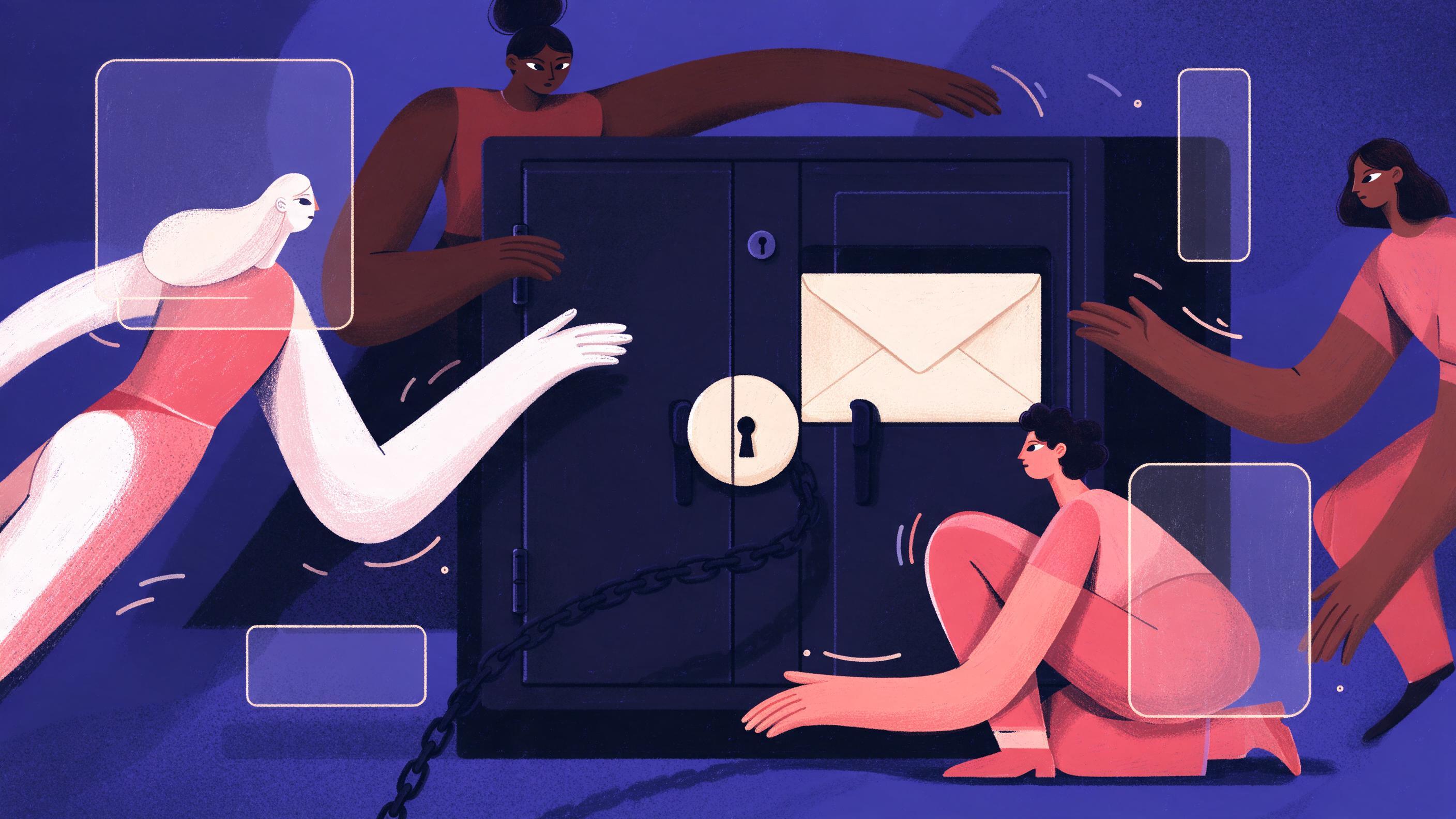
A sealed envelope labeled BREAK-GLASS in a locked metal cabinet.
Key points

Key points

  1. 1A break-glass account is one dedicated, person-independent emergency administrator per identity provider, provisioned outside the normal SSO path.
  2. 2Protect it with a long random password plus a separate hardware security key, both sealed in a physical container that requires two people to open.
  3. 3Block the account from routine sign-in with policy, alert on every use, and rotate credentials after each use.
  4. 4Test the full sign-in and recovery path on a fixed quarterly schedule, and log the test as evidence.

Scope the account before you create it

Most lockouts are not caused by a clever attacker. They are caused by the controls you added to stop one. Microsoft's own guidance on emergency access accounts lists the realistic failure modes: federated identity is unavailable because of a provider outage, every administrator's MFA device is lost or unreachable, the last active Global Administrator leaves, or a role activation needs an approver who is also locked out (Microsoft Learn).

The first decision is what the account is allowed to do. The temptation is to make it a super-admin that can reach everything. That is the wrong instinct. Assign only the privileged roles required to restore the identity system itself, usually the top-level administrator role for that directory and nothing else (Bitwarden). Every extra permission is a permission an attacker inherits the moment the credential leaks. The IDSA calls this "strict access controls": as few accounts as possible, created only where a real platform dependency exists (IDSA).

A decision rule helps teams get this right:

SituationBreak-glass account?What to use instead
IdP is down, no admin can authenticateYesNothing else will work
One admin lost a phoneNoTheir registered backup method, or a temporary access pass
Routine admin work (user creation, policy edits)NoNamed admin accounts with MFA
Federated domain fails overYes, if it blocks admin sign-inA cloud-only account on the provider domain
Service account needs elevated rightsNoA workload identity, not a human account

Microsoft recommends at least two emergency accounts, not one, because a single account is a single point of failure and an independently managed second account survives a credential problem or a personnel change (Microsoft Learn, Bitwarden). Keep the count small but not equal to one.

The next scoping question is where the account lives. If your administrators sign in through a federated identity provider, a break-glass account tied to that same federation inherits the same outage. Provision the account as a cloud-only identity on the provider's own domain, not synchronized from on-premises Active Directory and not federated, so it keeps working when the federation fails (Microsoft Learn). Google Cloud's guidance makes the same point for its own estate: create emergency users for every environment, keep them in a separate organizational unit, and do not put them behind the same dependencies as ordinary admins (Google Cloud).

Choose authentication that survives the outage

The whole point of a break-glass account is that it works when your normal authentication does not. So the method has to be chosen for availability first and strength second, and preferably both.

Phishing-resistant methods are the strongest available. CISA's fact sheet ranks FIDO/WebAuthn and PKI-based credentials as the gold standard, resistant to phishing, push bombing, SIM swap and SS7 attacks, while SMS and voice codes sit at the bottom of the hierarchy (CISA). CISA has repeatedly urged organizations to move to phishing-resistant MFA (CISA alert). For an account that must work during a crisis, a hardware key is the right primary factor: it does not depend on a phone, a cellular network, or a push service.

Microsoft recommends a passkey (FIDO2) for emergency access accounts, with certificate-based authentication as the alternative where a PKI already exists (Microsoft Learn). Google tells its customers to use FIDO security keys for 2-Step Verification on emergency accounts (Google Cloud). Both point the same way.

The password matters too, because the hardware key is usually the second factor, not the only one. Use a long random password generated once and never reused. NIST's authentication guidance is explicit that verifiers should permit long passwords and should not truncate them; at AAL2 you need a physical authenticator plus a memorized secret, and at AAL3 you need a hardware-based authenticator (NIST SP 800-63B, NIST AAL). The practical rule: generate at least 40 random characters, record it exactly once, and never type it anywhere except the break-glass sign-in page.

One more design choice: register two hardware keys, not one. Keep both sealed with the password, but register both to the account so a failed or lost key does not turn the emergency into a second emergency. Microsoft's deployment guidance makes the same recommendation for ordinary users: enable more than one MFA method so a backup exists when the primary is unavailable (Microsoft Learn).

A small table clarifies the trade-off between methods for this specific account:

MethodWorks during phone outageResists phishingVerdict for break-glass
Hardware FIDO2 keyYesYesPrimary choice
Platform passkey on a laptopUsuallyYesAcceptable second choice
Authenticator app on a phoneNo if the phone is gonePartlyBackup only, not primary
SMS or voice codeDepends on the carrierNoAvoid
Password aloneYesNoNever

Seal the credentials outside the system

The credentials must not live inside the system they are meant to recover. If the break-glass password sits in the same password manager that authenticates through the identity provider, an outage takes both down at once. The IDSA is blunt about this: credentials belong in "an encrypted, tamper-proof safe," not a file share, and the account must not depend on the identity provider that might fail (IDSA).

Physical storage is the standard answer. Google recommends physical security controls to protect emergency credentials and security keys (Google Cloud). In practice this means a tamper-evident envelope inside a locked safe or safe deposit box, with a signed log of who opened it and when. Two-person control is the key property: no single person can open the container alone, so no single person can silently use the account.

A simple sealing procedure works:

  1. Print the password and the key's serial numbers on one sheet, and record the account's full sign-in name.
  2. Put the sheet and both hardware keys in a tamper-evident envelope, seal it, and write the date and the names of the two people who sealed it across the seal.
  3. Put the envelope in the safe. Record the location, the seal number, and the custodian pair in the break-glass runbook.
  4. Give a second copy of the runbook to a person who is not a custodian, so the recovery procedure does not depend on one team.

Avoid automating rotation of the break-glass password. Google explicitly advises against automation for password rotation on emergency access accounts (Google Cloud), and the reason is practical: any automated path that touches the secret risks breaking it, and the value of this account is that it changes only when a human decides to change it.

The rule about rotation still holds, but it is event-driven. Rotate the password and re-register the keys after every use, and after any custodian leaves the organization. The IDSA states that once a break-glass credential is exposed or used, its risk increases and secrets should be rotated and resecured (IDSA).

Block day-to-day use by policy

An emergency account that people log into on a Tuesday afternoon to fix a mailbox is not an emergency account. It trains the team to treat it as ordinary, which destroys the alerting signal and makes real use harder to spot. Bitwarden calls this out directly: frequent or unnecessary use weakens confidence in the control, complicates auditing, and raises the risk of unauthorized access (Bitwarden).

Two policy jobs have to be done at once, and they pull in opposite directions.

First, block normal sign-in. Where your provider supports it, exclude the account from Conditional Access policies that would otherwise stop it, use a separate organizational unit so ordinary policies do not apply, and add a sign-in policy that denies the account from everything except the documented recovery path. Microsoft advises verifying that emergency access accounts are excluded from any Conditional Access policy that blocks or restricts sign-in, because an enforced policy could prevent sign-in during the exact emergency the account exists for (Microsoft Learn).

Second, keep the controls you deliberately excluded as narrow as possible. Every exclusion you add is a hole an attacker can walk through. Keep the list on one page, review it after any significant identity change, and remove exclusions that no longer apply.

The everyday deterrent is social and procedural as much as technical. Put the account in the onboarding pack as a named exception, state in the incident runbook that use requires two approvers, and make it clear that any sign-in by that account is reviewed by the security team the same day. People avoid what gets noticed.

Test on a fixed schedule and log every use

An untested recovery path is a hope, not a control. Google's guidance is direct: test the failover procedure periodically (Google Cloud), and industry practice puts the interval at a regular cadence rather than "when we remember." Quarterly is the common choice; choose it, write it into the calendar, and treat a missed test as an incident.

The test must exercise the whole path, not just a login. A realistic quarterly drill looks like this:

StepWhat you doWhat you record
Open the sealTwo custodians open the envelope and confirm the seal is intactDate, names, seal serial
Sign inUse the password and the hardware key from the browser onlyWhich browser, which key, time to sign in
Do one recovery actionPerform a harmless privileged change, such as creating and deleting a test userThe action and its result
Confirm alertingCheck that the security team received the sign-in alertAlert timestamp and recipient
RotateChange the password, re-register the keys, reseal with a new envelopeNew seal serial, new custodian pair
DocumentFile the test record with the quarter's controls evidenceSigned test record

Record the time it takes from opening the safe to reaching the admin console. That number is the real recovery time, and it is usually worse than people expect: finding the envelope, remembering which browser the key was registered with, and getting two custodians in the same room all add minutes. Tracking it over quarters tells you whether the procedure is getting better or rotting.

Alerting deserves its own test. Microsoft's guidance says every access attempt should trigger real-time alerts and be audited to the highest standard (Microsoft Learn), and Google advises setting up alerts for emergency access user events (Google Cloud). Send the alert to a channel that someone reads at night, not a shared mailbox. In the drill, confirm the alert arrived and note the latency; if the alert never fires, the drill found a real hole.

After a genuine emergency use, the sequence is the same as a test, plus an incident review. Rotate, reseal, and answer two questions in writing: why was a normal account unusable, and which control would have prevented that. The break-glass account worked; now fix the reason it was needed.

Common mistakes that turn a safeguard into a backdoor

The failure modes are predictable, and each one is easy to avoid once it is named.

One account instead of two. A single break-glass account is a single point of failure. Microsoft recommends two or more (Microsoft Learn), and Bitwarden says the same (Bitwarden). Two accounts, independently stored, survive a lost key or a departed custodian.

The account depends on the thing it recovers. If the account is federated, synchronized from on-premises, or protected by the same Conditional Access policies as everyone else, it will not work when those systems fail. Apple's own consumer guidance is a distant analogy, but the principle is universal: a recovery path that depends on the lost or broken thing is not a recovery path.

Credentials stored in plain sight. Sticky notes, wikis, shared drives, and the same password manager the team uses every day are all one breach away from handing an attacker the keys. Use the sealed physical container.

Standing access for people. The account is for emergencies, not for a person. Do not assign it to an individual's daily login, and do not let a team share the password for convenience. If several people need the ability to act, separate the roles for initiating, approving, and using the account, and log each (Cloud Security Alliance).

No rotation after use. A used credential is a known credential. Rotate the password and re-register the hardware keys after every use, then reseal.

No monitoring. The IDSA warns that unmonitored break-glass accounts are "little more than unmonitored backdoors" and attractive targets because they carry high privilege with limited oversight (IDSA). Alert on every attempt, including failed ones.

Testing the login but not the recovery. A sign-in test that stops at the dashboard proves the password works. It does not prove that the account can actually restore a broken policy, reset a locked admin, or reach the control plane. Drill the real recovery action.

Where this fits in a wider identity program

Break-glass access is one control in a larger identity posture, and it works better when the rest of it is solid. The same infrastructure that makes emergency access reliable, hardware keys and phishing-resistant methods, also protects everyday accounts. CISA recommends security keys and authenticator apps with number matching as the strongest practical options, and notes that a physical key gives the best protection against phishing (CISA). Microsoft's own program aims for all user accounts to use phishing-resistant MFA, and its public materials report 92 percent of employee productivity accounts protected by phishing-resistant methods at the time of writing (Microsoft Learn).

For teams building on top of an identity provider, the operational lesson generalizes. Any automation or agent that holds credentials needs the same discipline: scoped permissions, secrets stored outside the system it serves, alerting on use, and a tested recovery path. When you need one interface across many providers for that kind of work, Quanta Inference offers text, image, video, audio and embedding models through one OpenAI-compatible API (Quanta Inference). The break-glass design itself is best kept manual, small, and reviewed by a person.

If your team is unsure where to start, a short structured review of your identity controls usually pays for itself. Quanta Consulting runs a free 30-minute discovery call that covers your goals and produces a tailored recommendation, with no obligation.

FAQ

FAQ

How many break-glass accounts should an identity provider have?

At least two, independently stored. Microsoft recommends two or more emergency access accounts because a single account is a single point of failure and an independently managed second account survives a credential problem or a personnel change (Microsoft Learn). Keep the number small, but never equal to one.

Should the break-glass account use MFA?

Yes, and the MFA should be phishing-resistant and not dependent on a phone. Use a hardware FIDO2 key as the primary factor plus a long random password, because that combination survives a lost device or a cellular outage. CISA ranks phishing-resistant methods such as FIDO/WebAuthn as the gold standard (CISA), and Microsoft recommends passkeys for emergency access accounts (Microsoft Learn).

What is the difference between a break-glass account and a normal admin account?

A normal admin account is used for routine work and protected by the same policies as other accounts. A break-glass account is reserved for emergencies, excluded from the policies that would block it during an outage, stored outside the system, and monitored on every use (Bitwarden). Treating the emergency account as ordinary is the most common way organizations weaken it.

How often should we test the break-glass path?

On a fixed schedule, quarterly is a common choice, and you should test the full recovery action rather than only the login. Google advises testing the failover procedure periodically (Google Cloud), and industry guidance treats periodic testing as a minimum requirement (IDSA). Log each test, including the time from opening the seal to reaching the admin console.

What should happen after the account is used?

Rotate the password, re-register the hardware keys, reseal a new container, and review the incident in writing. A used credential is a known credential, and the IDSA advises rotating and resecuring secrets once they have been exposed or used (IDSA). Record why a normal account was unusable and which control would have prevented it.

Sources

Sources

  1. Manage emergency access accounts in Microsoft Entra ID
  2. How to set up a break glass account for secure emergency ...
  3. Break Glass Accounts - Risk or Required
  4. Ensure continuous access to Google Cloud | Security
  5. PDF Implementing Phishing-Resistant MFA - CISA
  6. CISA Releases Guidance on Phishing-Resistant and Numbers Matching ...
  7. NIST Special Publication 800-63B
  8. Authenticator Assurance Levels - NIST Pages
  9. Plan a Microsoft Entra multifactor authentication deployment
  10. Break Glass Account Management Best Practices
  11. Require Multifactor Authentication - CISA
  12. Phishing-resistant MFA (Secure Future Initiative) - Microsoft Learn
About the author

About the author

Antonio Evans
Antonio Evans
Antonio Evans is the founder of Quanta Intelligence and a fractional CTO who builds HIPAA-ready AI systems for health and life-science companies. Before that he was technical co-founder of FriendsEAT for twenty years, CEO of Socialdraft, and a data engineer at IBM. Antonio lives with his dog Santino in Lisbon, Portugal.

All articles