Security

Writing a One-Page Incident Runbook for a Small Team

Antonio Evans9 min read

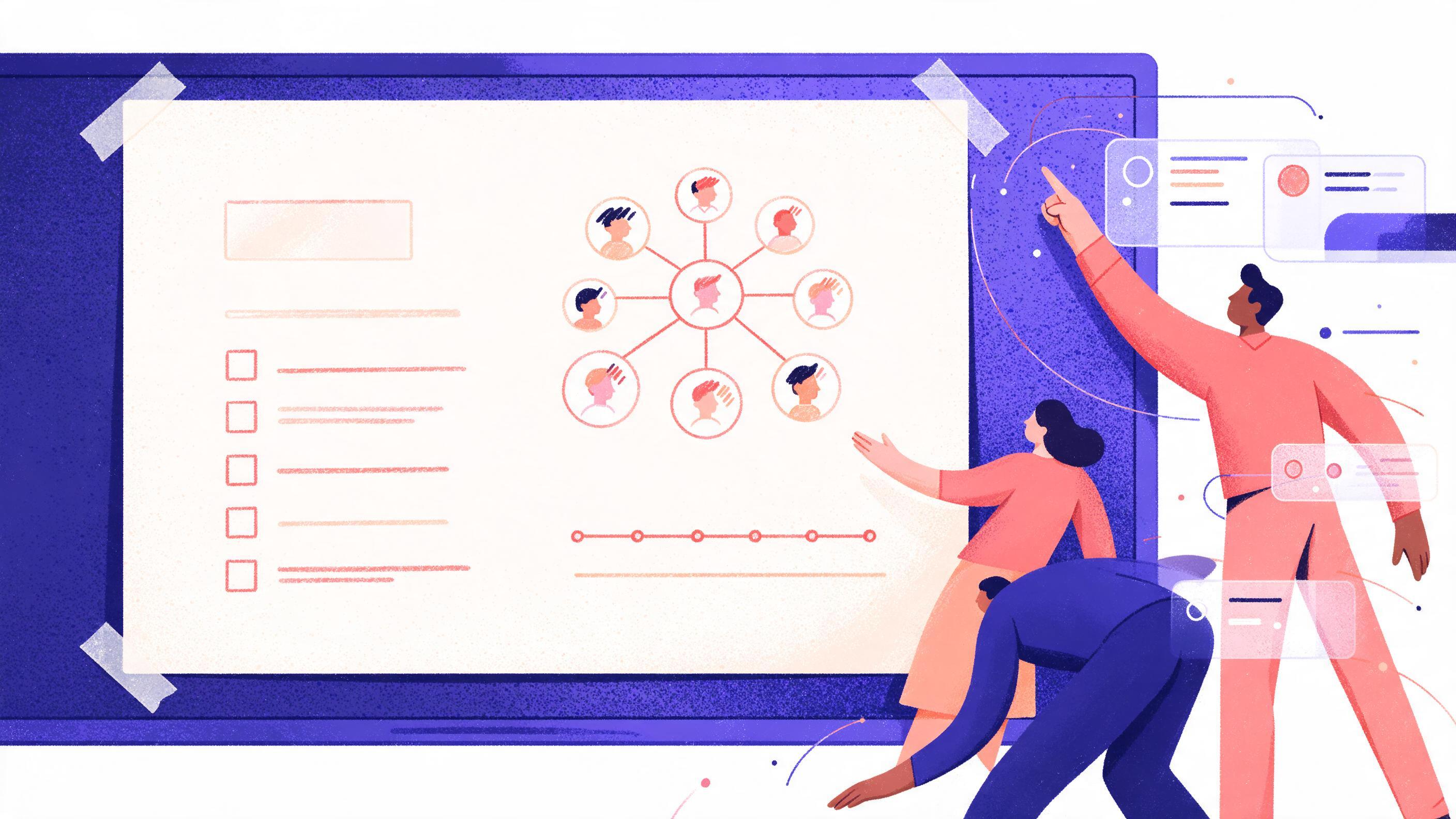
A single printed one-page runbook taped to a whiteboard, with handwritten blanks filled in: a phone tree sketch, a short checklist, and a timeline marked 0-5-15-30 minutes.
Key points

Key points

  1. 1A one-page runbook is a fill-in-the-blanks document that names one incident commander, a caller tree with real phone numbers, three first checks with exact commands or dashboard links, and a fixed escalation clock.
  2. 2The escalation clock is the part that prevents drift: 5 minutes to acknowledge, 15 minutes to decide on escalation, 30 minutes to notify a wider group.
  3. 3Every blank must contain a real name, a working number and a clickable link, because a runbook that says "check the dashboard" fails under pressure.
  4. 4Test the document with a 30-minute tabletop drill, then update it after every real incident and every drill where a step was skipped or wrong.

Why a one-page limit is the design constraint

Most incident response documents fail for a boring reason: nobody opens them. A runbook that lives in a long wiki page competes with the alert itself, the dashboard, the chat thread and the person who "knows the system." When someone is half-awake and the page is three screens deep, the practical move is to guess.

The one-page limit forces the hard decisions. You cannot list every possible failure, so you list the first 30 minutes and stop. You cannot describe every dashboard, so you link the exact one. You cannot name six roles, so you name one incident commander and a backup. Practitioner write-ups on this point are blunt: a simple runbook that works beats a detailed one that does not exist in this runbook template guide.

There is a second reason to stay short. The runbook is a document a small team maintains, not a compliance artifact. Framework material such as NIST SP 800-218 and OWASP SAMM describe how to build a secure development and response capability over time, and both are risk-driven rather than prescriptive. SAMM in particular is described as evolutive and risk-driven, with no single recipe that works for all organizations on the SAMM project page. A small team's version of that recipe is a page of paper, not a twenty-page annex.

The design rule that follows: if a line of the runbook has never been used in an incident or a drill, it is a candidate for deletion. Length is not safety. Recognizability is safety.

The template, blank by blank

Copy this into a shared document, a repo file or an on-call tool. Fill every bracket before the document counts as done.

INCIDENT RUNBOOK: first 30 minutes
Owner: [name] | Last tested: [date] | Review due: [date]

1. DECLARE
   Incident commander: [name] [phone] [backup: name + phone]
   Declare in: [channel or bridge link]
   Severity: SEV1 = users cannot complete a core action; SEV2 = degraded,
   workaround exists; SEV3 = internal only.

2. CALL TREE (call in this order, log the time of each call)
   1. [Name, role, phone]      reason: [owns the system]
   2. [Name, role, phone]      reason: [owns the data layer]
   3. [Name, role, phone]      reason: [customer-facing contact]
   4. [Vendor or provider support line, number, account ID]

3. FIRST THREE CHECKS (stop when one gives you an answer)
   Check A: [exact URL, pre-filtered for the last 60 minutes]
   Check B: [exact command, copy-paste ready]
   Check C: [exact query or status page URL]

4. CLOCK (write actual times next to each)
   00:05 acknowledged in the channel by a named person
   00:15 decision logged: escalate or hold
   00:30 wider group notified (template message below)

5. ESCALATE WHEN
   [condition 1] [condition 2] [condition 3]

6. ROLLBACK / MITIGATE
   [exact command or console path] Expected result: [what you should see]

7. STATUS MESSAGE TEMPLATE
   "[Service] is [down/degraded]. Customers [impact]. Started [time].
   We are [action]. Next update by [time]."

Two blanks deserve extra care. The first is severity, because a team that argues about severity at minute four has lost four minutes. Define severity by observable customer impact, not by internal anxiety: whether users can complete a core action. The second is the status message template, because writing prose under stress is slow and tends to produce messages with no time commitment.

The "stop when one gives you an answer" instruction in section 3 is deliberate. Three checks are not a checklist to complete; they are a short decision tree. If check A shows the database connection pool is exhausted, you skip B and C and go to mitigation. Teams that treat first checks as a sequence to finish often spend the whole 30 minutes confirming a cause they already found.

BlankBad fillGood fillWhy it matters
Incident commander"the on-call engineer""Dana R., 555-0142, backup Priya S., 555-0187"Removes debate about who is in charge
Dashboard link"the Grafana dashboard""pre-filtered URL pinned to the alert"The reader cannot search a wiki at 3 AM
First check"look at the logs"copy-paste-ready query with a time windowNo query authoring under stress
Escalation trigger"if it gets worse""error rate above 5% for 10 minutes"A verifiable line, not a feeling
Status messagefree-form paragraphtemplate with a time commitmentStakeholders stop asking for updates

Who calls whom: building a caller tree that survives

A caller tree is only useful if it has phone numbers, not handles. Chat handles are fine for the first attempt, but the runbook exists for the case where the usual channel is exactly what is broken, or where the person is away from the desk.

Build it with three rules.

First, order by system ownership, not seniority. The first call should be the person who can restart or roll back the thing that is failing. An engineering manager who has to ask someone else is a second call.

Second, include a reason next to each name. "Owns the payments database" tells a tired responder whether the call is even relevant. A list of five names with no reasons gets used as a notification list, which produces a five-person conference call and no action.

Third, include the vendor path with the account ID written down. Provider support lines ask for the account identifier, and hunting for it mid-incident is a classic time sink. Write the number, the account ID, and the support tier next to each other.

The caller tree also has a backup line for every primary. A single unbacked page is a single point of failure; escalation policy guidance calls out eliminating single points of failure and assigning ownership as core design goals in this escalation policy guide.

Small teams usually find that three to five numbers is enough. If you are writing more than five, the list has become a directory. Keep the directory elsewhere and keep the tree to the people who can change the state of the failing system.

First checks: writing steps you can run at 3 AM

The test for a first check is simple. Could a tired person who has never seen this alert run it in under two minutes without opening another document and without writing a query from scratch?

That rules out "look at the logs" and "check the dashboard." It allows a pre-filtered URL, a copy-paste command, and a status page link. On-call templates that skip this detail are the ones that fail in practice, because the dashboard link was changed and nobody updated the runbook as described in this on-call runbook write-up.

A workable set of three checks for a small service is: one customer-facing signal, one infrastructure signal, one dependency signal.

# Customer-facing signal: recent 5xx share, last 60 minutes
# (example using a log search API; use your own provider's tool)
curl -s "$LOG_API/query" \
  -H "Authorization: Bearer $READONLY_TOKEN" \
  -d '{"service":"payments","window":"60m","filter":"status>=500"}' \
  | jq '.error_rate, .count'

# Infrastructure signal: is the database accepting connections
psql "$REPLICA_DSN" -c "select count(*) from pg_stat_activity;"

# Dependency signal: what the provider says right now
curl -s "$PROVIDER_STATUS_URL" | jq '.status.indicator'

Two practical notes. Use a read-only token so the commands in the runbook cannot make things worse, and store that token in the same place the on-call engineer already gets credentials, not in the document. And write the expected output next to each command: "error_rate above 0.05 means customers are affected" is the sentence that turns a number into a decision.

Link to dashboards rather than embedding screenshots. A screenshot goes stale silently; a link either works or fails loudly, which is the better failure.

The escalation clock: 5, 15, 30

Escalation is where small teams drift most. The instinct is to keep trying, because escalating feels like admitting defeat, and because the person who owns the system would rather solve it alone than wake a colleague. The clock removes that judgment call.

The three milestones that work for a small team:

TimeMilestoneWhat it means in practice
5 minutesAcknowledgeA named person says "I have this" in the channel with a timestamp
15 minutesDecideThe commander writes "escalating" or "holding" plus one line of reason
30 minutesNotify widerStatus message goes to customers, support, leadership, per the template

The 5-minute acknowledge exists to kill the silent gap where an alert fires and everyone assumes someone else has it. The 15-minute decision exists to stop heroic solo debugging: if the first checks did not produce a fix path in 15 minutes, the odds that the next 15 will be better are low. The 30-minute notification exists because the cost of telling stakeholders early is small, and the cost of telling them after they have discovered the issue themselves is reputation.

Notifying early is also consistent with the guidance that an incident response plan should be invoked even when an incident is suspected to be a false alarm, on the grounds that near misses drive improvement in CISA's small business cyber guidance. The same logic applies to the clock: acknowledge fast, decide fast, notify fast, and accept that some of those acknowledgements will be for noise.

Set escalation triggers as observable conditions, not feelings. "We have made no change that reduced the error rate in 15 minutes" is a trigger. "It feels bad" is not. Two or three triggers are enough:

  • Customer-facing error rate above an agreed threshold for 10 minutes.
  • A mitigation attempted and failed.
  • A second service or a second customer segment affected.

Write them as conditions with numbers, and define who decides when a condition is met: the incident commander, alone. Consensus at minute 16 is not a plan.

Worked example: the payment API returning errors

Here is the same template filled in for a small team running a payments API. Names and numbers are placeholders.

INCIDENT RUNBOOK: payments API, first 30 minutes
Owner: Dana R. | Last tested: [drill date] | Review due: [date]

1. DECLARE
   IC: Dana R., 555-0142 (backup: Priya S., 555-0187)
   Channel: #inc-payments (bridge link pinned)
   SEV1: checkout returns 5xx for more than 5% of requests for 10 minutes
   SEV2: card authorizations degraded, retry path works

2. CALL TREE
   1. Dana R. 555-0142   owns the payments API service
   2. Priya S. 555-0187  owns the database and connection pool
   3. Marco L. 555-0199  owns customer support, sends status messages
   4. Payments provider support, 555-0100, account ID [ID]

3. FIRST THREE CHECKS
   A. Error-rate dashboard, pre-filtered to 60 minutes: [URL]
   B. psql "$REPLICA_DSN" -c "select count(*) from pg_stat_activity;"
      Expected: under 80. Above 150 means pool exhaustion.
   C. Provider status page: [URL]

4. CLOCK
   00:05 Dana acknowledged in #inc-payments
   00:15 decision logged: error rate flat, no mitigation yet, hold
   00:30 Marco posts status to customers and support

5. ESCALATE WHEN
   error rate over 5% for 10 minutes after one mitigation attempt
   connection count over 150 after a restart
   a second region shows the same errors

6. MITIGATE
   Restart the API worker group: [console path]
   Expected: error rate returns under 1% within 4 minutes

7. STATUS TEMPLATE
   "Card payments are failing for some customers since [time]. Retries may
   succeed. We are restarting part of the payment service. Next update by
   [time]."

Walking the clock with this fill:

At minute zero the alert fires on the error-rate condition. At minute two Dana acknowledges and starts check A: the dashboard shows 5xx at 9% for the last 12 minutes, concentrated on card authorization. That is SEV1 by definition, so the decision at minute 15 is effectively made already, but the clock keeps it honest: Dana writes "escalating, SEV1, provider check pending" in the channel.

Check B returns a connection count of 173, well above the 80 baseline and above the 150 trigger. That single number answers the question, so checks beyond A and B are skipped. Dana calls Priya at minute six, because the trigger condition (connection count over 150) is met regardless of the clock.

Priya identifies a stuck worker group holding connections. The mitigation is a restart of that group, run from the console path in section 6. Expected result is written down, so at minute nine Dana can compare: error rate down to 3% and falling. At minute 12 it is under 1%.

At minute 15 Dana logs the hold decision: "mitigated, monitoring." At minute 30 Marco posts the status message to customers and support, using the template with a next-update time.

Total time to mitigation: under ten minutes, because three numbers and two phone calls replaced an hour of discussion. The runbook did not make the team smarter. It removed the discovery work from the worst possible moment.

Note what the worked example leaves out: no root cause analysis, no postmortem, no customer credit decisions. Those belong later and in a different document. The one page covers only the first 30 minutes.

Testing with a tabletop drill and keeping it current

An untested runbook is a hypothesis. The cheapest test is a 30-minute tabletop drill, and it doubles as training for whoever is on call next.

Run it like this:

  1. Pick one scenario from your incident history and one from a scenario you fear, such as a provider outage. Write a one-paragraph alert as the starting point.
  2. Put the incident commander role on someone who is not the usual owner. The usual owner knows too much to expose gaps.
  3. Start a timer. Read each section aloud. Every time someone says "where is that?" or "who is that?", mark the line. That is a defect.
  4. Forbid improvisation. If the runbook says to call a number, call it. Numbers that ring out or route to a dead extension are findings worth having in a drill, not at 3 AM.
  5. Stop at 30 minutes regardless of whether the scenario "resolved." Record how many clock milestones were hit on time and how many lines needed a fix.

Facilitators should be explicit that tabletop exercises exist to build reflexes for the real event, which is why leadership attendance is part of the guidance in CISA's small business guidance. Small teams get the same benefit with far less ceremony: one scenario, one timer, one page of notes.

Keep the runbook current with three triggers for review:

TriggerActionOwner
Real incident or near missUpdate the lines that were wrong or missingIncident commander
DrillUpdate every marked defect before the next on-call rotationRunbook owner
Infrastructure changeRe-check links, commands, numbers, account IDsWhoever made the change

That third row is the one teams forget. A migration, a dashboard rebuild, a support tier change or a staff departure all invalidate a line. Attaching the runbook check to the change ticket, rather than to a calendar, is the difference between a document that is current and one that is merely reviewed.

If your team is small enough that the runbook is one person's memory with extra steps, the fix is the drill, not more prose. Two drills a year with three to five people is enough to keep a one-page document honest, and it costs less than one hour of engineering time per drill.

FAQ

FAQ

How long should a one-page incident runbook be?

One page, which in practice means about 40 to 60 short lines including the caller tree and templates. The cap is not aesthetic: the document has to be scannable in seconds by a tired person, and practitioner guidance treats scannability as the main quality test in this runbook write-up. Anything that does not help a decision in the first 30 minutes belongs in a separate document.

Who should be the incident commander on a small team?

One named person plus a named backup, assigned ahead of time and rotated with the on-call schedule. The commander is not necessarily the best debugger; the role is to hold the clock, make the escalate-or-hold call and keep the channel updated. Assigning a single owner is treated as a core escalation design principle in this escalation policy guide.

What if we cannot reach the first person in the caller tree?

Call the backup for that role immediately rather than waiting, and log both attempts with times. The tree should already contain a backup for every primary, because an unbacked page is a single point of failure per the same escalation guidance. If the second call also fails, the incident commander performs the first three checks personally while someone else continues calling.

How often should we run the tabletop drill?

Twice a year per on-call rotation is a workable minimum for a small team, plus an extra drill after any major architectural change. Tabletop exercises are recommended as a regular practice precisely because they build reflexes that are unavailable during a real event according to CISA's small business guidance. Each drill should leave the runbook shorter or more precise, not longer.

Does the runbook need to cover security incidents as well as outages?

Yes for the first 30 minutes, with a separate short section: who to call if you suspect compromise, and an explicit instruction not to wipe or rebuild the affected host before evidence is preserved. Frameworks such as NIST SP 800-218 group responding to vulnerabilities as a distinct practice with its own tasks, and OWASP SAMM treats incident response capability as something you measure and improve rather than a one-off document. The one-page version is the phone numbers, the preserve-evidence rule and the notification clock.

If your team would rather build the drill and the surrounding process with someone who has run incidents, a free 30-minute discovery call is a low-cost way to pressure-test the plan before the next alert: Quanta Consulting.

Sources

Sources

  1. Runbook Template: Build Faster Incident Response
  2. PDF Secure Software Development Framework (SSDF) Version 1.1
  3. OWASP SAMM
  4. Escalation policy best practices: designing ...
  5. On-Call Runbook Template: A Framework That Works at 3AM
  6. Cyber Guidance for Small Businesses - CISA
About the author

About the author

Antonio Evans
Antonio Evans

Antonio Evans is the founder of Quanta Intelligence and a fractional CTO who builds HIPAA-ready AI systems for health and life-science companies. Before that he was technical co-founder of FriendsEAT for twenty years, CEO of Socialdraft, and a data engineer at IBM. Antonio lives with his dog Santino in Lisbon, Portugal.

All articles